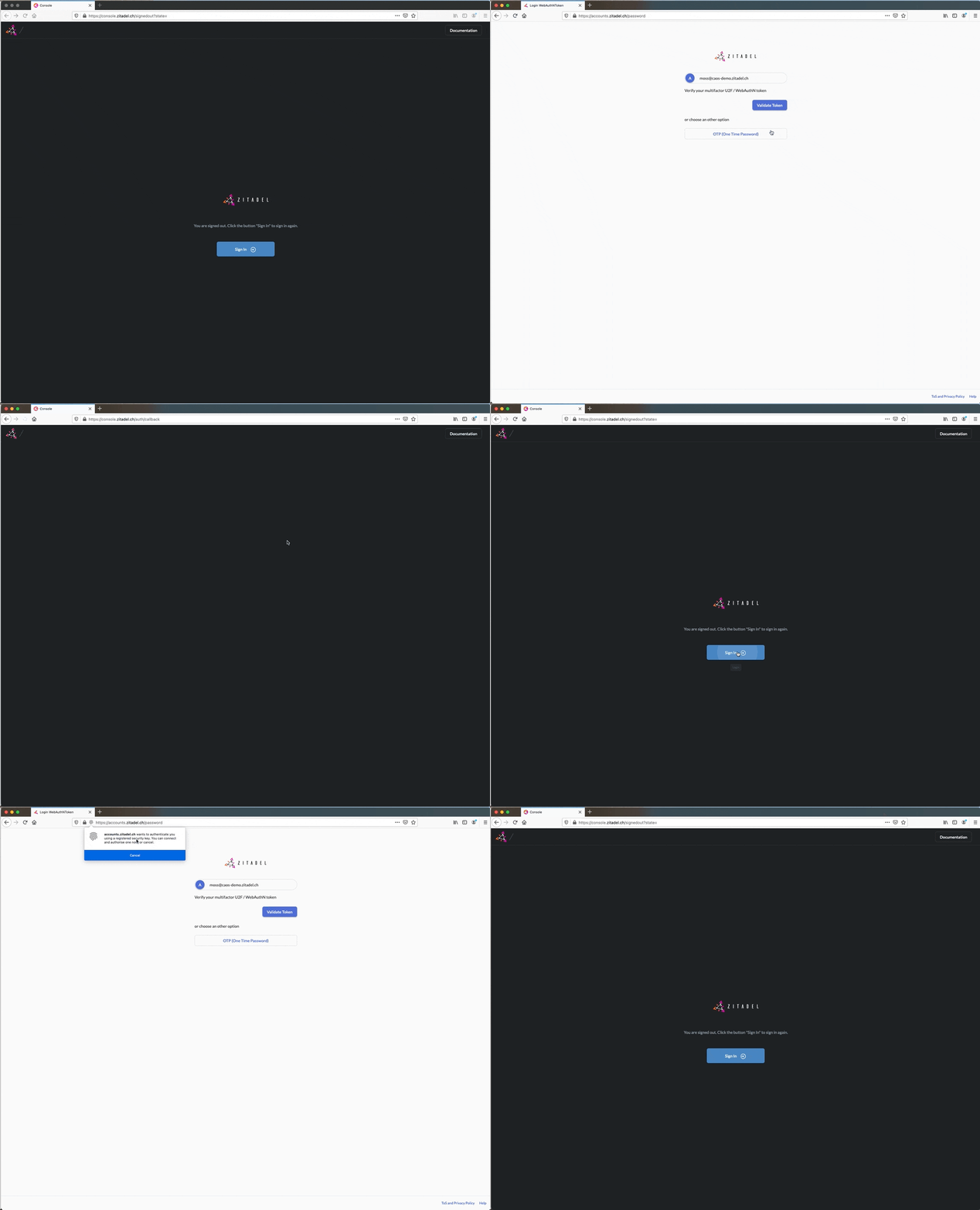
Login
Login Username
Enter your login name in the input field. Your loginname consists of the username with @ organisation domain. E.g road.runner@acme.caos.ch If the organization is already pre-selected you do not have to enter the domain.
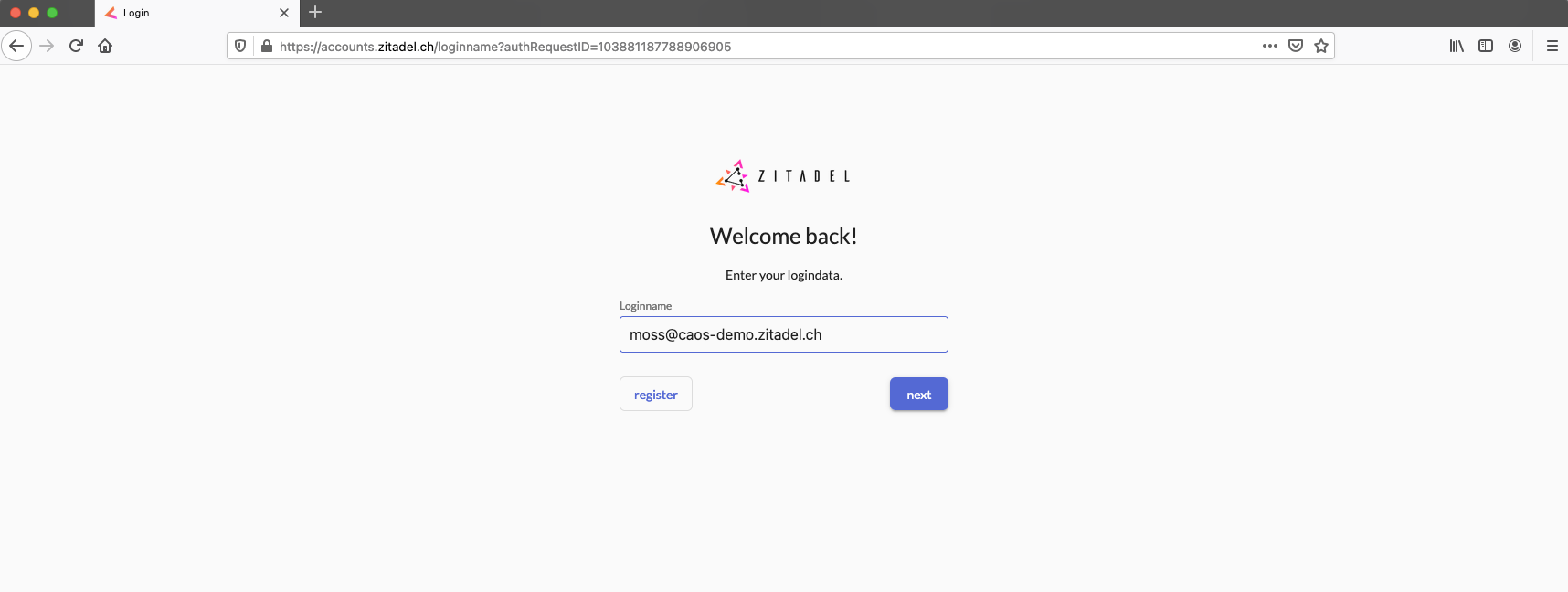
Login with Password
Enter you password. If you can't remember it click on the reset password link. You will get an email to set a new passwords.
Login with One Time Password (OTP)
If you have registered a One time password (OTP) as a second factor you need to enter your code.
- Open your authenticator app which you used to set up your OTP
- Enter the code from the authenticator app in the input field of the login process

You can find out how to register OTP here.
Can't remember your otp
If you have a problem with your OTP, please contact your organization support. If you have a user in the Global Organization feel free to contact support@zitadel.ch
Login with Universal Second Factor (U2F) (FaceID, FingerPrint, etc.)
If you have registered U2F as second factor for your account you will have to verify this factor.
- Click the button "Verify Token"
- Your browser/device will show you the methods you have to verify your account (e.g FingerScan, Face Recognition, External Hardware Token, etc)
- Use your verification method